
TVNADO Setup Guide – How to Install & Start Streaming in Minutes
The TVNADO setup guide helps you install and activate TVNADO quickly on any device. Follow the steps below to enjoy smooth, high-quality streaming with TVNADO in Canada, the UK, and the USA.
No technical skills required • Fast setup • 24/7 TVNADO support
TVNADO Setup Guide Requirements
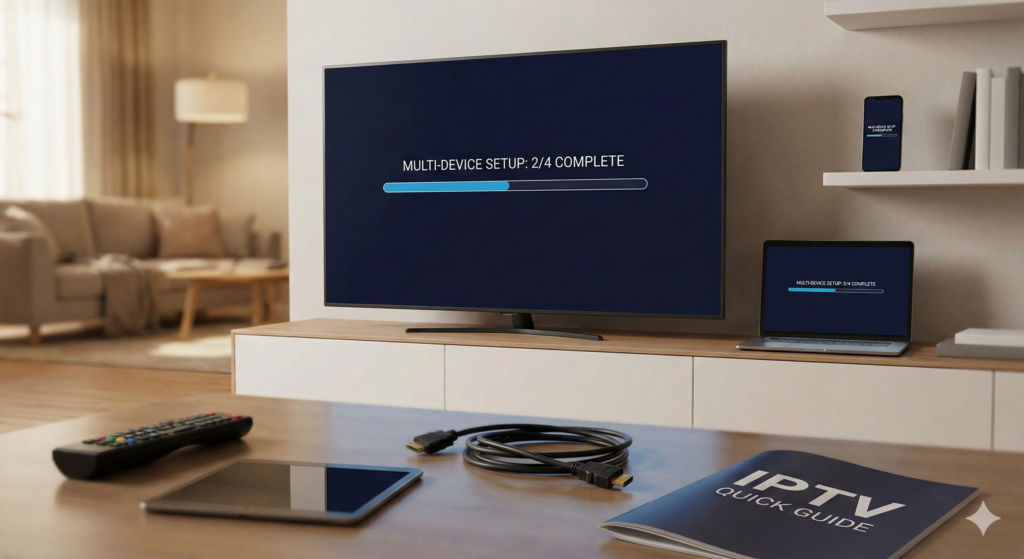
Before starting the TVNADO setup, make sure you have:
A stable internet connection (minimum 10 Mbps recommended)
An active TVNADO subscription
A compatible IPTV app
Your TVNADO login details (sent after purchase)
TVNADO Setup Guide for Beginners
The easiest way to complete your TVNADO setup is with IPTV Smarters Pro.
TVNADO Setup Steps
Download IPTV Smarters Pro
Open the app and choose Login with Xtream Codes API
Enter your TVNADO username
Enter your TVNADO password
Enter the TVNADO server URL
Click Login
Your TVNADO setup is complete and streaming will start instantly.
To complete your TVNADO Firestick setup:
Enable apps from unknown sources
Install Downloader
Download TiviMate
Enter your TVNADO login details
Start watching with TVNADO IPTV
TVNADO on Firestick offers smooth performance and fast loading.
The TVNADO Android setup works on phones, tablets, and TV boxes.
Open Google Play Store
Install IPTV Smarters Pro or TiviMate
Enter your TVNADO Xtream Codes
Load channels and VOD
Enjoy TVNADO streaming
To complete your TVNADO iOS setup:
Download IPTV Smarters Lite from App Store
Choose Xtream Codes Login
Enter your TVNADO credentials
Save and load content
TVNADO on iOS delivers fast and stable playback.
The TVNADO Smart TV setup is simple:
Open TV App Store
Install IPTV Smarters or Smart IPTV
Enter your TVNADO playlist or Xtream login
Restart the app
Start watching with TVNADO
If you prefer manual configuration, the TVNADO M3U setup is available.
Enter your TVNADO M3U URL
Load channels and VOD
Customize categories and EPG
Recommended for experienced users.
TVNADO Setup Troubleshooting Tips
If your TVNADO setup doesn’t work immediately:
Check internet speed
Restart the IPTV app
Re-enter TVNADO login details
Try a different IPTV player
Contact TVNADO support
TVNADO Live TV Channels & On-Demand Content
With TVNADO , you get access to a powerful entertainment library built for daily streaming.
TVNADO Live TV Channels
TVNADO provides 44,000+ a wide selection of live entertainment, news, and sports channels with stable playback and minimal buffering.
Massive TVNADO VOD Library
Access 150,000+ movies and TV series on demand in HD, Full HD, and 4K. From the latest blockbusters to timeless classics, our TVNADO VOD library has it all
High-Quality TVNADO Streaming
Experience smooth, buffer-free IPTV streaming in Ultra HD. Our optimized CDN servers ensure fast loading and stable performance across the USA, UK, Canada,
International IPTV Entertainment
Enjoy premium international channels and VOD from the USA, UK, Canada, Europe, and worldwide, all through one reliable IPTV subscription compatible with all devices